There will be a number of new themes available with the release of Xerte 3.6. I’ve been working on these on and off for quite some time and some I’ll be keeping for exclusive use by the organisations that contract me to support their use of Xerte and therefore contribute to these developments, but a few will be part of the public release including the selection shown below.
Modern: Urban Blue
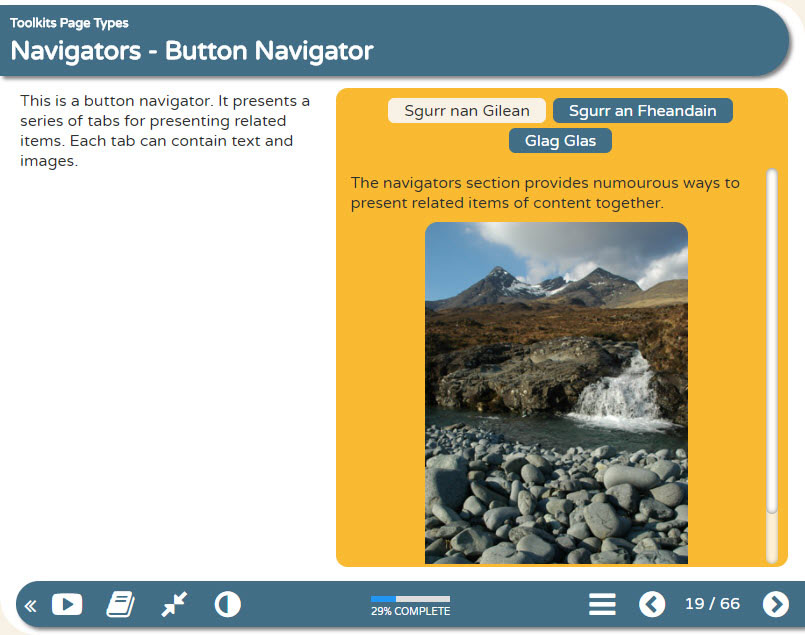
The great thing about Xerte themes is the ability to quickly select and try a different theme via the editor and that doing so is non-destructive. e.g. you can change your learning object back and forth between different themes without breaking anything. You can see this via the example above comparing the original default XOT theme with one of the new themes named Modern: Urban Blue.
The other development we’ve introduced with these new themes is the use of Font Icons rather than image buttons both in the footer and on many of the different page types. This makes customising themes via css or via the xhibit app far easier and we’re planning sessions on this during the Xerte conference in June.
Other new XOT template themes coming in v3.6 include the following:
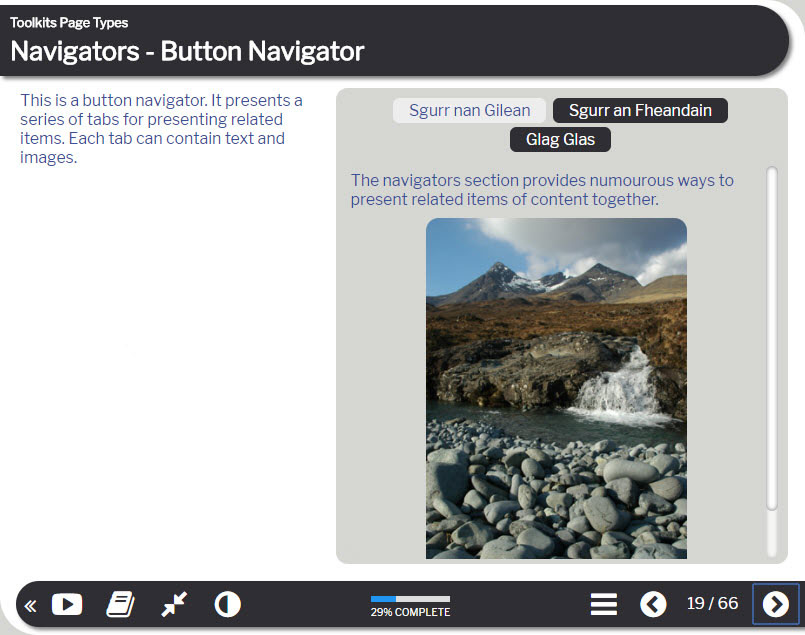
Modern: Sleek Grey
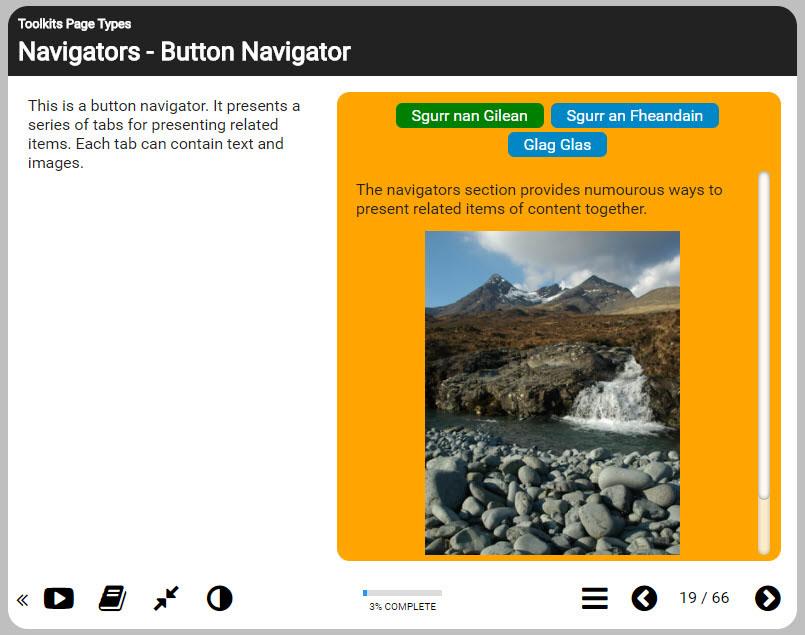
Modern: RGBO
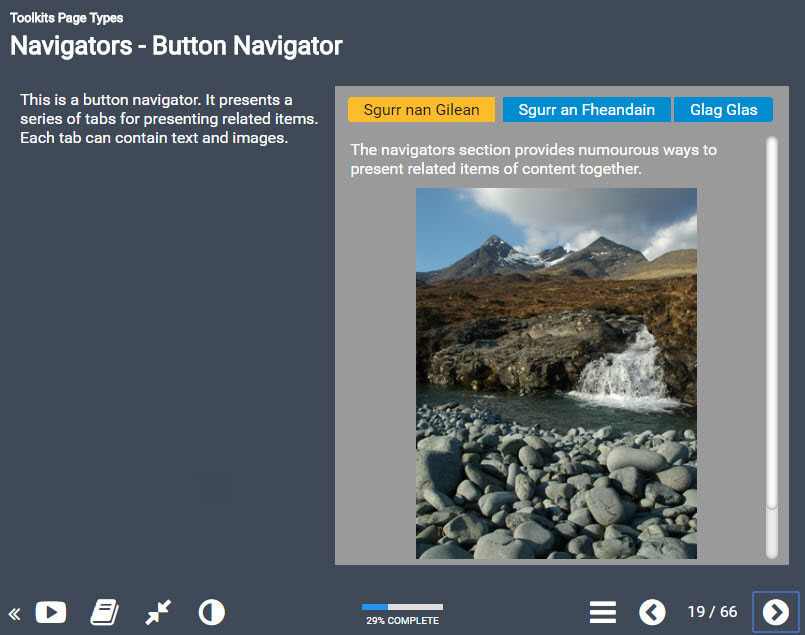
Dark: Blue Grey
There will also be a few other new themes in v3.6 not shown here including some new themes for the Bootstrap and Decision templates. I’ll share details of those in a separate post.
Watch out for further news about the forthcoming release here and via our various community channels.